
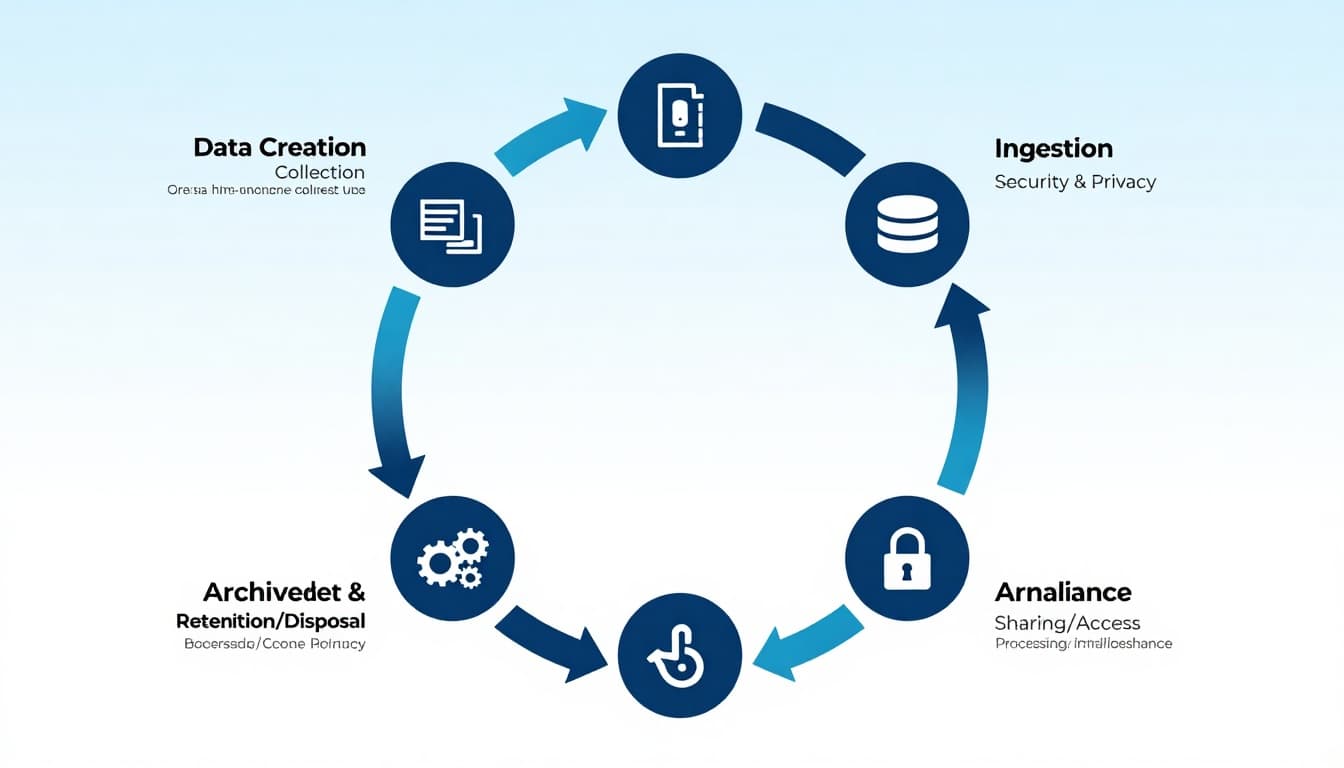
Every business collects data, even if it doesn’t feel like it. A web form entry, a support ticket, a Stripe payout report, a delivery scan, a chatbot transcript, it all counts.
The problem is that most teams treat data like junk in a kitchen drawer. They keep stuffing it in, then later wonder why nothing fits and nothing can be found.
This guide breaks down the data lifecycle in plain terms: how data is created, stored, used, shared, and finally retired, plus what founders, marketers, and small business owners should do at each step.
What the data lifecycle is (and why it matters to revenue)
Think of data like inventory. If you don’t track what comes in, where it sits, and when it expires, you’ll waste money and make bad calls.
The data lifecycle is the set of stages your data moves through, from its first capture to its final deletion or long-term archive. If you want a simple reference model, the University of Wisconsin’s overview of the data lifecycle stages is a solid starting point.
Why it matters for a business blog audience:
- Founders avoid building products on shaky metrics.
- Marketers stop arguing over whose dashboard is “right.”
- Operators reduce risk from messy access and old records.
A quick map of the stages (so you can spot gaps fast)
| Stage | What’s happening | Typical examples | What can go wrong |
|---|---|---|---|
| Create | Data is captured at the source | Forms, POS, sensors, logs | Wrong fields, missing consent |
| Ingest | Data is moved into systems | ETL/ELT, imports, APIs | Duplicate records, broken pipelines |
| Store | Data is kept for use | DBs, warehouses, drives | “Data swamp,” weak access controls |
| Process | Data is cleaned and shaped | Validation, joins, enrichment | Garbage-in, garbage-out |
| Use | Data drives actions | Reporting, ML, personalization | Wrong decisions from biased data |
| Share | Data is accessed across teams | Permissions, exports | Oversharing, leaks, shadow copies |
| Retire | Data is archived or deleted | Retention schedules | Compliance risk, storage bloat |
Now, let’s walk through each stage like a business owner, not a textbook.
The 7 stages of the data lifecycle (with real business context)
1) Data creation and collection (the moment quality is set)
Data is “born” when someone types into a form, a system logs an event, or an employee updates a record.
A practical habit: define what “good” looks like at the source. Field formats, required values, and clear ownership save you later clean-up time. If you’re trying to make data usable across teams, these accessible data management strategies help you set expectations early.
2) Ingestion (moving data without breaking it)
Ingestion is the transfer step, pulling data from tools into a place where it can be used. That might be a nightly export from Shopify, an API connection from your CRM, or a simple CSV import.
This is where duplicates and missing rows sneak in. If you’re building a more structured pipeline, Airbyte’s breakdown of data life cycle phases gives helpful context on how organizations handle data movement at scale.
3) Storage (where data lives, and how it stays safe)
Storage is not one place. It’s usually a mix: a production database, cloud folders, a data warehouse, spreadsheets, and a few “temporary” exports that never die.
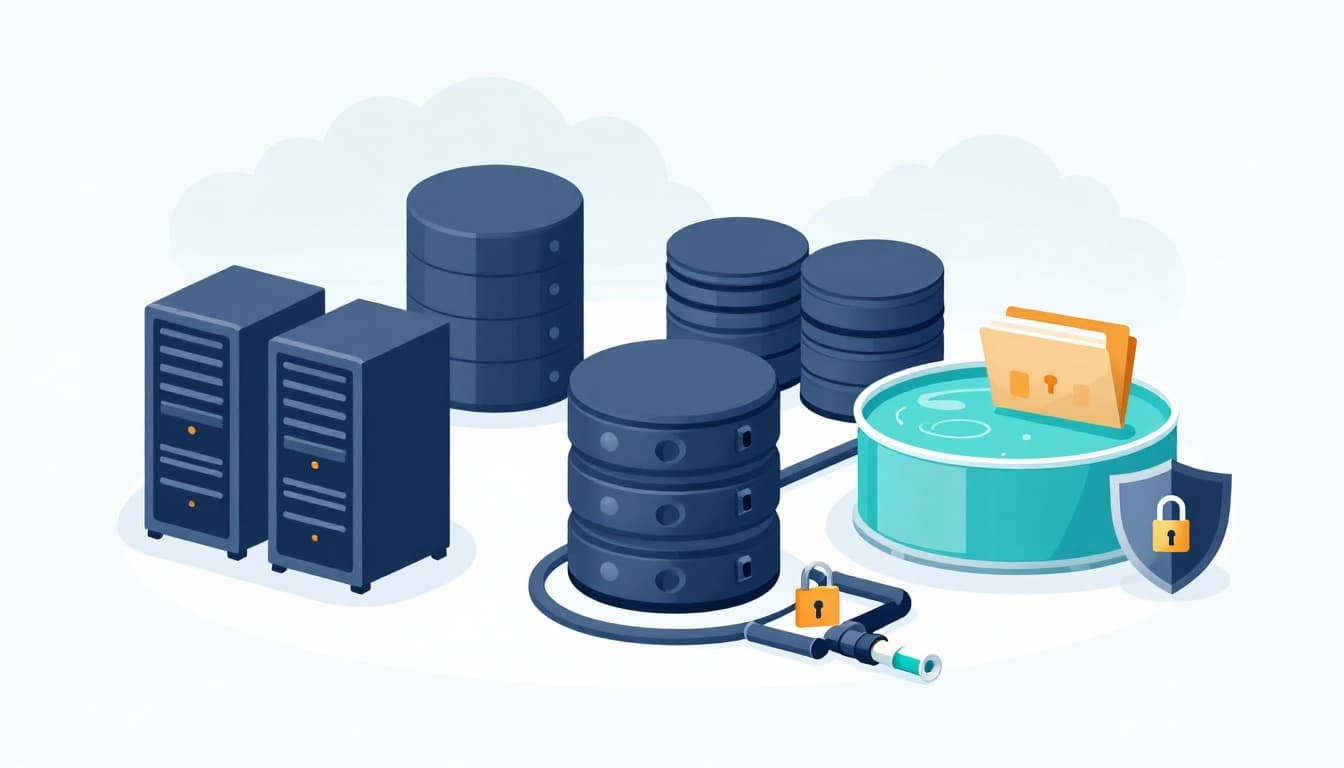
Two choices matter most here:
Structure: A well-designed schema makes reporting and access easier later. If you want the basics, this guide on database schema levels explains the trade-offs in simple terms.
Control: Decide who can read, write, and export. If “everyone” has full access, you don’t have data governance, you have hope.
4) Processing and transformation (turning raw into useful)
Raw data is messy. Processing is where you clean, validate, standardize, and combine it so it can answer real questions.
Example: A marketing team combines ad spend, web events, and CRM deals to estimate CAC and ROAS. Without consistent naming and time zones, the report looks precise but lies.
If your team needs support here, these data processing services for small businesses outline common options, from cleansing to integration.
5) Use and analytics (where data earns its keep)
This stage is what everyone wants: dashboards, forecasts, cohorts, personalization, pricing tests. But it only works when earlier stages are handled well.
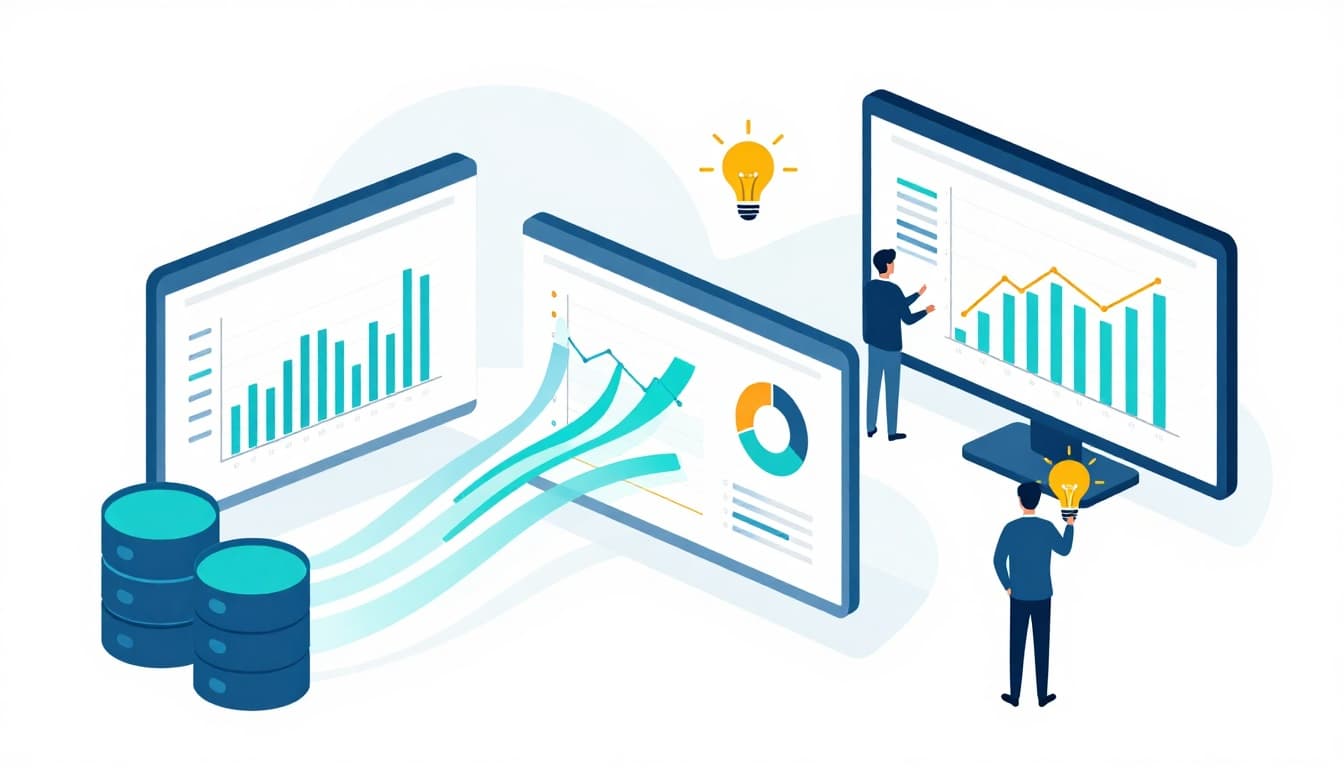
A simple rule: if a metric changes after a “refresh,” ask why. A healthy business treats metric definitions like product specs, documented and versioned.
6) Sharing and access (useful, but risky)
Sharing happens when data moves beyond its original system: exports to an agency, a spreadsheet sent to finance, a dashboard shared with an investor, or internal access across teams.
This is where leaks and “shadow data” happen. Clear permissions and audit trails help, but so does culture: people shouldn’t need to download a full customer list just to answer a small question.
For a practical view of how teams coordinate data across tools and use cases, Segment’s overview of data lifecycles and tips is a helpful read.
7) Archival, retention, and disposal (the part most teams ignore)
Old data sticks around because deleting feels scary. But keeping everything forever is its own risk: higher costs, bigger breach impact, and compliance headaches.
Set retention rules based on purpose. Archive what you must keep, delete what you no longer need, and document both decisions. If you can’t explain why a dataset exists, it’s probably past due for retirement.
The “always-on” layer: governance, quality, security, compliance
The lifecycle isn’t a straight line. These concerns cut across every stage:
Governance: Who owns the data, who approves changes, and where definitions live.
Quality: Validation checks, deduping rules, and “known issues” notes.
Security and privacy: Least-privilege access, encryption, and thoughtful sharing.
Compliance: Retention schedules, consent, and defensible deletion.
One small habit that pays off: keep a living “data dictionary” for key business metrics (revenue, lead, active user). It prevents meetings where everyone argues over the same word.
A simple way to improve your data lifecycle this month
Don’t try to fix everything. Pick one workflow that touches revenue (leads to pipeline, checkout to refunds, ad spend to sales) and tighten it end-to-end:
- Write down the source of truth for each key field.
- Add one quality check at ingestion (duplicates, missing values).
- Lock down export permissions for sensitive tables.
- Set a retention date for at least one dataset you’ve outgrown.
Small wins here compound fast because every report and decision gets easier.
Conclusion: treat the data lifecycle like a real business asset
Data doesn’t become valuable because it exists. It becomes valuable because it’s collected with intent, stored with care, used responsibly, and retired on time.
If you want fewer reporting headaches and better decisions, map your current data lifecycle, fix the weakest stage first, and make ownership clear. The payoff is simple: more confidence, less chaos, and a business that can trust its numbers.

Adeyemi Adetilewa leads the editorial direction at IdeasPlusBusiness.com. He has driven over 10M+ content views through strategic content marketing, with work trusted and published by platforms including HackerNoon, HuffPost, Addicted2Success, and others.