What’s the fastest way for a growing business to get blindsided by a breach? Assume security is a one-time project, run a scan, fix a few things, and move on.
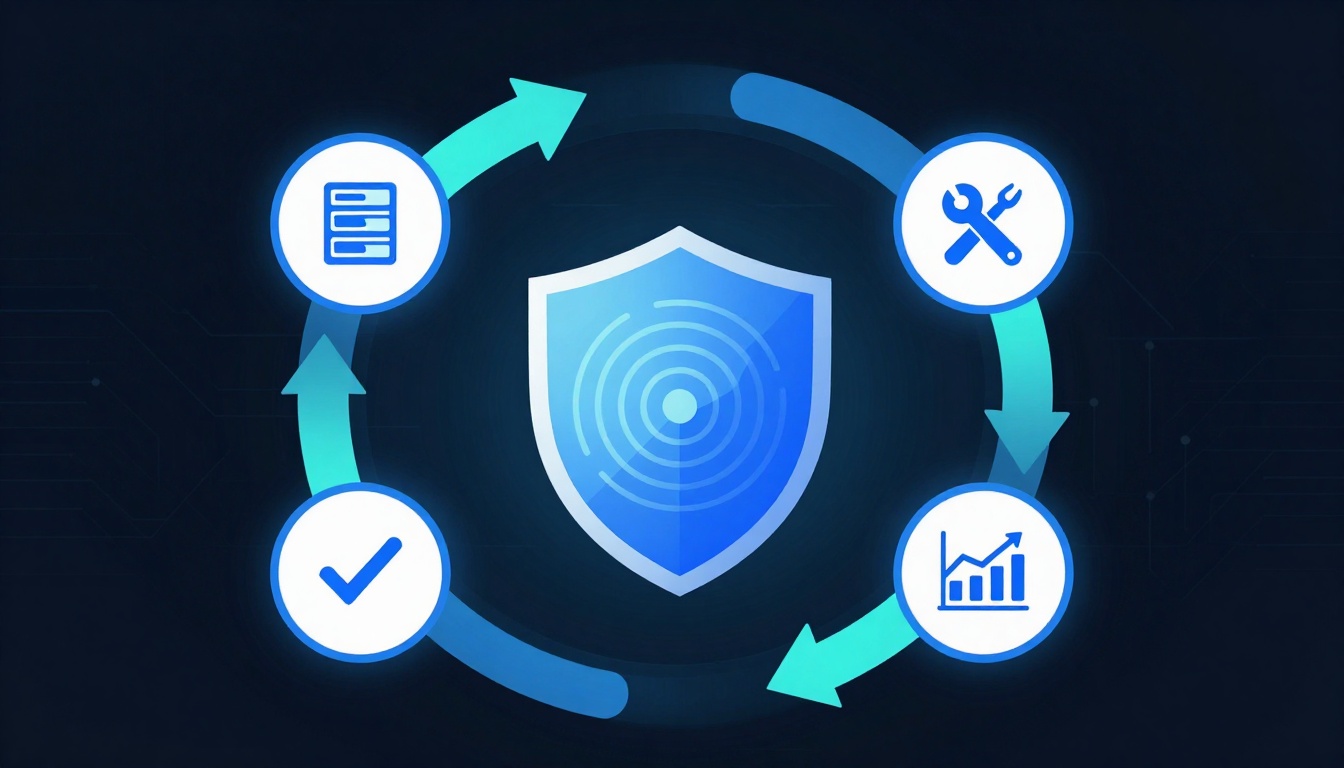
The vulnerability management lifecycle is the opposite of that mindset. It’s a repeatable loop that helps you find weaknesses, fix what matters most, confirm the fix worked, and prove progress over time.
If you’re a startup founder, marketer, or small business owner, this is your practical path to fewer surprises, easier audits, and stronger customer trust, without needing an enterprise-sized security team.
The vulnerability management lifecycle in plain English
Think of vulnerability management like a smoke alarm with a maintenance schedule. The alarm only helps if it’s installed everywhere (asset inventory), tested often (scanning), and you actually replace the batteries (patching).
Most teams struggle because they treat vulnerabilities as a long list instead of a business workflow. A solid lifecycle adds structure: it tells you what to do next, who owns it, and how to measure results. For a deeper stage-by-stage overview, Wiz has a helpful explainer on the vulnerability management lifecycle.
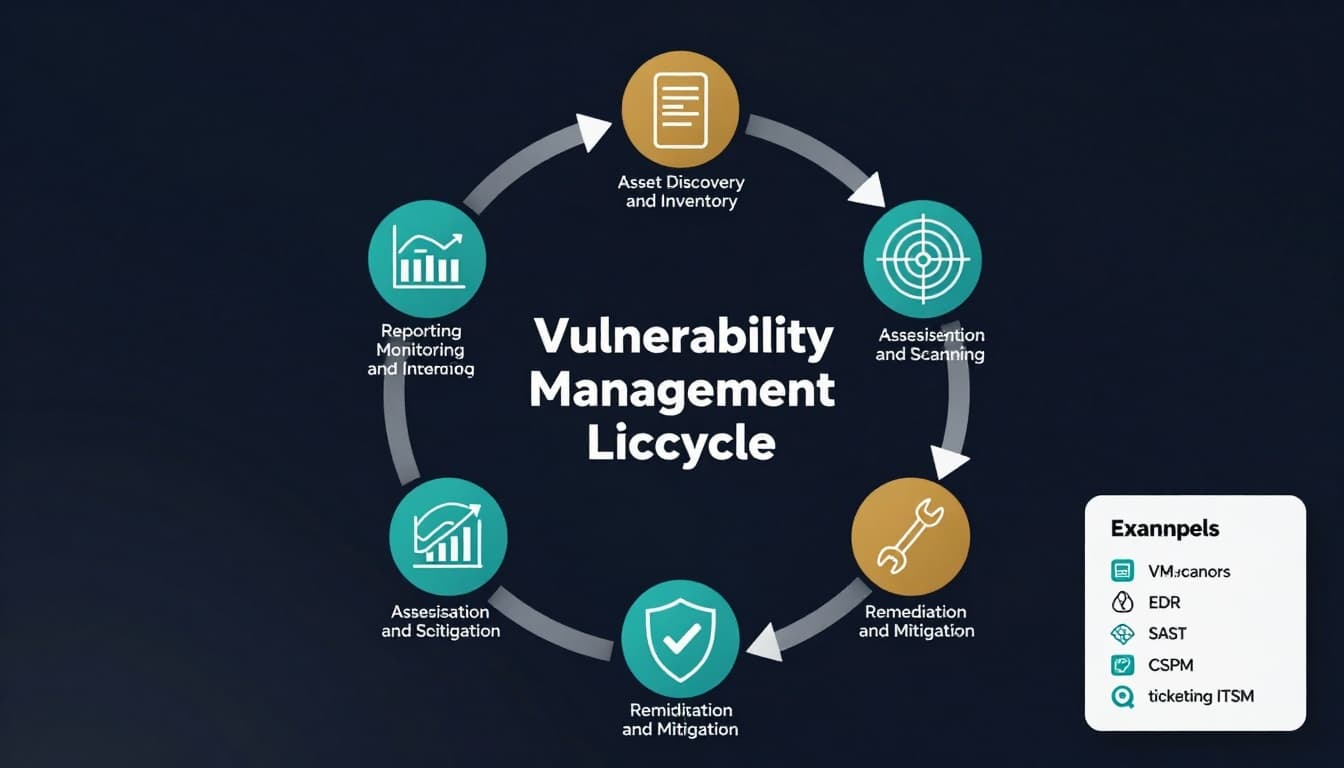
Stage 1: Asset discovery and inventory (you can’t fix what you don’t know you have)
This stage is your master list of what needs protection: laptops, servers, cloud workloads, web apps, SaaS tools, and even “temporary” test environments that never got removed.
Best practice: treat shadow IT as a certainty, not a rare event. Make asset discovery ongoing, not quarterly.
Helpful tools: endpoint management, cloud inventory, attack surface discovery, and configuration management databases (CMDBs).
Stage 2: Identification and scanning (find weaknesses on a schedule)
Scanning is where you detect known issues, missing patches, unsafe settings, and exposed services. The mistake most small teams make is scanning once, then letting results rot in a spreadsheet.
Best practice: pick a scanning cadence that matches change frequency. Cloud and web apps may need daily checks, office networks often do fine weekly.
Helpful tools: vulnerability scanners, cloud security posture management (CSPM), web app scanners (DAST), and code scanners (SAST).
Stage 3: Validation and triage (separate real risk from noise)
Scanners are noisy. Some findings are false positives, others don’t apply because the vulnerable component isn’t reachable, and some look “critical” but sit on a non-production box.
This stage is where you confirm what’s real and decide who owns the fix (IT, DevOps, engineering, or a vendor).
Best practice: create simple rules for ownership. Example: OS patches go to IT, container base images go to DevOps, app libraries go to engineering.
Stage 4: Risk prioritization (rank by business impact, not fear)
Prioritization turns a long list into a short plan. CVSS severity is a start, but it’s not enough. Add exploit likelihood (for example, EPSS-style probability), exposure (internet-facing vs internal), and business impact (payment data, customer PII, revenue systems).
Best practice: define what “critical” means for your business in writing. A vulnerability on your marketing site isn’t the same as one in your billing pipeline.
For another practical view of how teams prioritize and cycle improvements, see SentinelOne’s guide to the vulnerability management lifecycle.
Stage 5: Remediation and mitigation (fix, or reduce blast radius)
Remediation means removing the weakness: patching, upgrading libraries, rotating credentials, or changing insecure settings. Mitigation is your backup plan when you can’t patch fast enough: firewall rules, WAF protections, disabling a feature, or isolating a system.
Best practice: set time targets (SLAs) by severity. Even a simple rule like “critical items within 14 days” forces focus and coordination.
Stage 6: Verification, rescanning, and continuous improvement (prove it, then get better)
This is where many programs quietly fail. Teams patch, assume it worked, and move on. Verification closes the loop with rescans and spot checks, then adds reporting that helps leadership make decisions.
Best practice: track repeat offenders. If the same misconfiguration comes back every month, you don’t have a patching problem, you have a process problem.
Tools that support each stage (a practical stack for small teams)
You don’t need 12 products. Most small businesses do well with a tight stack: one scanner, one way to track work, and one place to report progress.
If your environment is cloud-heavy, it helps to understand where cloud security tools are heading. This overview of Key Cloud Security Trends for 2025 is a useful backdrop for CSPM, identity, and automation decisions.
| Lifecycle need | Tool category | What it helps you do |
|---|---|---|
| Know what you own | Asset inventory, endpoint management, CSPM | Find systems, reduce blind spots |
| Find issues | VM scanners, SAST/DAST, container scanning | Detect known flaws and weak settings |
| Decide what matters | Risk-based prioritization, threat intel | Rank by exploitability and impact |
| Get fixes done | Ticketing/ITSM, patch management | Assign owners, track SLAs, close items |
| Prove progress | Dashboards, SIEM reporting | Show trends, exceptions, and outcomes |
Want the simplest buying filter? Prioritize integrations. A scanner that can’t open tickets, tag assets, or export data cleanly becomes manual labor fast.
Security best practices that make the lifecycle work (not just look good on paper)
Tools don’t run the program, habits do. These practices keep the cycle moving and reduce back-and-forth:
Make ownership obvious: every asset needs an owner, and every vulnerability needs a default routing rule.
Automate the boring parts: schedule scans, auto-create tickets for high-risk findings, and auto-close tickets only after verification.
Reduce fix friction: standardize patch windows, build golden images, and use configuration templates so fixes are repeatable.
Use compensating controls wisely: when patching is slow, reduce exposure (network segmentation, WAF rules, least privilege) so the risk drops today, not next quarter.
Add smart reporting: track a small set of metrics that leadership understands, like time-to-fix for critical issues, asset coverage, and number of repeats.
If you’re bringing AI into your operations, apply it carefully. AI can help with alert grouping, trend spotting, and predicting what’s likely to be exploited. This article on AI-powered threat detection in business intelligence offers practical context on where AI fits in security work.
For another lifecycle breakdown from a security services perspective, PurpleSec’s overview of the vulnerability management lifecycle is a solid reference.
Conclusion: Turn vulnerability work into a routine, not a fire drill
Most security stress comes from uncertainty: unknown assets, unclear priorities, and fixes that don’t stick. A disciplined vulnerability management lifecycle replaces that chaos with a loop you can run every week, even with a small team. Start with visibility, prioritize like a business, verify every fix, and report what changed. Then repeat, because attackers don’t take quarters off.

Adeyemi Adetilewa leads the editorial direction at IdeasPlusBusiness.com. He has driven over 10M+ content views through strategic content marketing, with work trusted and published by platforms including HackerNoon, HuffPost, Addicted2Success, and others.