
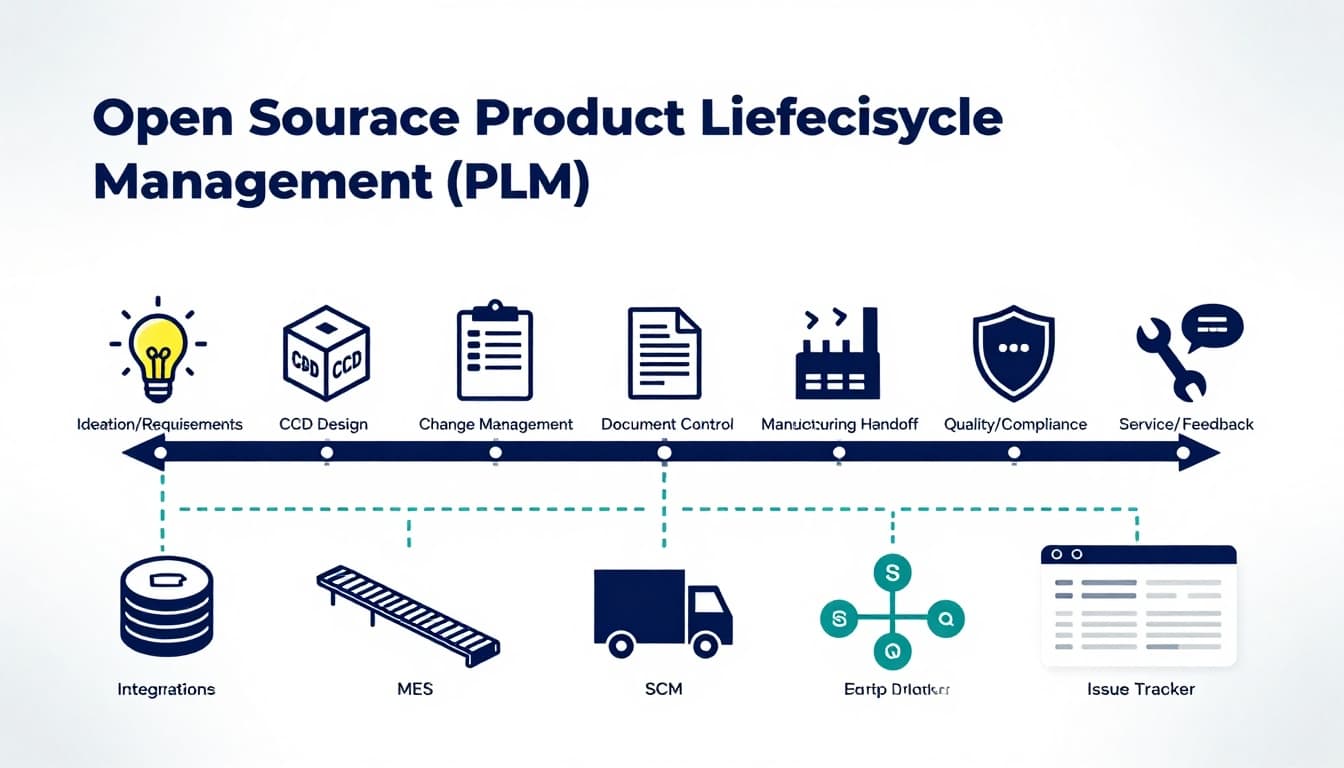
If your product data lives in spreadsheets, shared drives, and someone’s inbox, you’re not “organized,” you’re just one copy-paste away from a costly mistake.
That’s why open source PLM keeps coming up in founder chats and ops meetings. It promises a single place to manage parts, revisions, documents, and approvals without paying big license fees.
This guide is for startup founders, product leaders, and small manufacturers who need better control over product changes, faster handoffs to production, and fewer “which file is the latest?” moments.
What open source PLM actually does (and what it doesn’t)
A PLM system is like mission control for a product’s identity. Not just CAD files, but everything that explains what the product is, what it’s made of, and why it changed.
Most PLM implementations, open source or not, focus on:
- BOM management (multi-level product structures and components)
- Document control (drawings, specs, work instructions, certificates)
- Revision history (what changed, when, and by whom)
- Change management (ECR/ECO/ECN workflows, approvals, impact checks)
- Traceability (linking parts to docs, changes, and sometimes suppliers)
What PLM typically doesn’t replace:
- Your CAD tool (it stores and governs files, it doesn’t design parts)
- ERP (it can feed ERP, but ERP runs purchasing, finance, and planning)
- MES (it may connect, but MES runs shop-floor execution)
If you’re evaluating scope, it helps to read industry viewpoints like Beyond PLM’s take on the future of open source in PLM, especially around where open source fits and where it can fall short.
Open source PLM tools to consider (January 2026 snapshot)
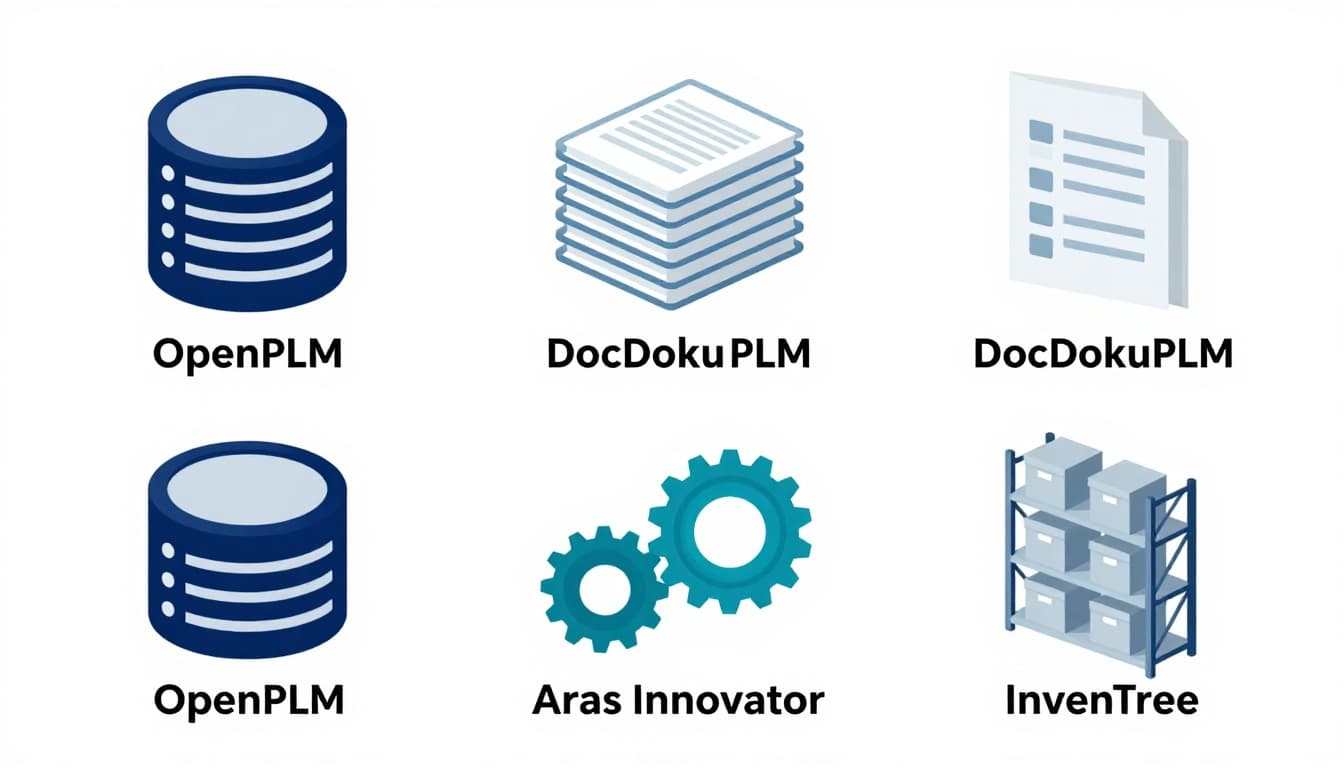
As of January 2026, four names show up often in open source PLM research and shortlists: OpenPLM, DocDokuPLM, Aras Innovator Community Edition, and InvenTree. They’re not identical. Think of them more like different vehicles for different roads.
Quick comparison table
| Tool | Best for | Strengths | Watch-outs |
|---|---|---|---|
| OpenPLM | Basic PLM needs | BOMs, revisions, history tracking | Can feel limited for large, complex orgs |
| DocDokuPLM | Document-heavy teams | Product structures, workflows, flexible data modeling | More setup effort for deeper customization |
| Aras Innovator (Community Edition) | Broader PLM scope | Strong change, quality, and integration patterns | “Open core” style, learning curve, paid add-ons for some needs |
| InvenTree | Small teams tracking parts | Lightweight parts and BOM focus, API-friendly | Not a full PLM, more inventory-centric |
Tool notes (plain-English fit)
OpenPLM: A practical starting point if your main pain is BOM control and revision traceability. It’s often the “replace spreadsheets” step before deeper workflows.
DocDokuPLM: A good match when documents and approvals are your bottleneck, for example, regulated documentation packs or engineering release workflows.
Aras Innovator Community Edition: Frequently chosen when a team wants a bigger PLM footprint, change control, quality processes, and integrations, but needs to accept that some advanced capabilities may sit behind commercial options.
InvenTree: Great when you’re trying to get serious about parts, assemblies, and stock, but you’re not ready for full PLM governance. Many teams pair it with other tools instead of forcing it to be a full PLM.
If you want a broader catalog-style overview, SelectHub maintains a roundup of open-source PLM software options that can help you frame requirements and alternatives.
Benefits of open source PLM for startups and small manufacturers
Open source PLM is appealing for one big reason: it can move control upstream without demanding enterprise budgets.
Here’s what teams usually gain.
Lower software costs (but not zero cost)
License fees can drop, which matters when you’re still proving product-market fit or running lean manufacturing ops.
More control over workflow and data
You can shape processes around how your team works, instead of forcing your team into a rigid template.
Less vendor lock-in anxiety
With many proprietary systems, switching later can feel like moving houses with everything nailed to the walls. Open source doesn’t guarantee an easy move, but it can reduce fear.
Integration flexibility
If your business already runs on Git, an issue tracker, or custom apps, open source tools often make it easier to connect the dots.
For a wider view on enterprise open source trade-offs (not PLM-specific, but still useful), this paper on benefits, risks, and adoption strategies for open-source software is a solid grounding read.
Open source PLM can be a great fit, but it’s not magic. The common failures usually come from expecting “free software” to behave like a fully managed service.
Implementation time is real money
You’ll spend time on hosting, permissions, backups, workflows, and data modeling. If your team has no admin or developer support, the project can stall.
Support and accountability can be thinner
Community forums help, but they don’t replace a vendor SLA when production is blocked and the factory is waiting.
Data cleanup hurts (but it’s necessary)
If your part numbers are inconsistent and your BOMs don’t match what’s on the floor, PLM will expose it. That’s good, but it’s painful.
Compliance expectations may exceed the tool
If you need strict validation, audit trails, electronic signatures, or industry-specific standards, verify capability before you commit.
If you want a concrete example of an open source PLM positioned around configurable processes, you can look at beCPG Community Edition as a reference point for what “open source PLM” can mean in practice.
How to choose (and roll out) open source PLM without chaos
A smart selection process is less about features and more about your bottleneck.
Use this checklist before you install anything:
- Define your “source of truth”: Are you governing CAD files, BOMs, documents, or all three?
- Map your change process: Who can request changes, who approves, and what’s the minimum evidence needed?
- Start with one product line: Pilot on a contained scope, then expand.
- Plan for adoption: A PLM that nobody uses becomes a fancy file cabinet. These accelerate new product adoption strategies translate well to PLM rollouts.
- Budget for the boring work: Data migration, training, and process design are where costs hide. This guide to create a solid product development budget is a helpful reminder to fund the unglamorous tasks.
Business ideas enabled by open source PLM (yes, really)
If you work in ops, engineering services, or B2B consulting, open source PLM creates real business ideas you can sell without building a product from scratch.
A few practical examples:
- BOM cleanup and normalization service for small manufacturers moving off spreadsheets
- PLM setup and hosting for teams that want outcomes, not servers
- Change management templates and training (ECR/ECO playbooks, approval matrices)
- Integration projects connecting PLM with ERP, MES, Git, or an issue tracker
Think of it like installing accounting software. The software matters, but the setup is where the value is.
Conclusion
Open source PLM can bring order to product data, speed up engineering changes, and reduce costly mistakes, especially for lean teams. The upside is control and flexibility; the downside is you own more of the setup, support, and data hygiene.
If you’re considering open source PLM, start small, pick the bottleneck you’ll fix first, and budget time for rollout and training. Your future self, and your production team, will thank you.

Adeyemi Adetilewa leads the editorial direction at IdeasPlusBusiness.com. He has driven over 10M+ content views through strategic content marketing, with work trusted and published by platforms including HackerNoon, HuffPost, Addicted2Success, and others.