
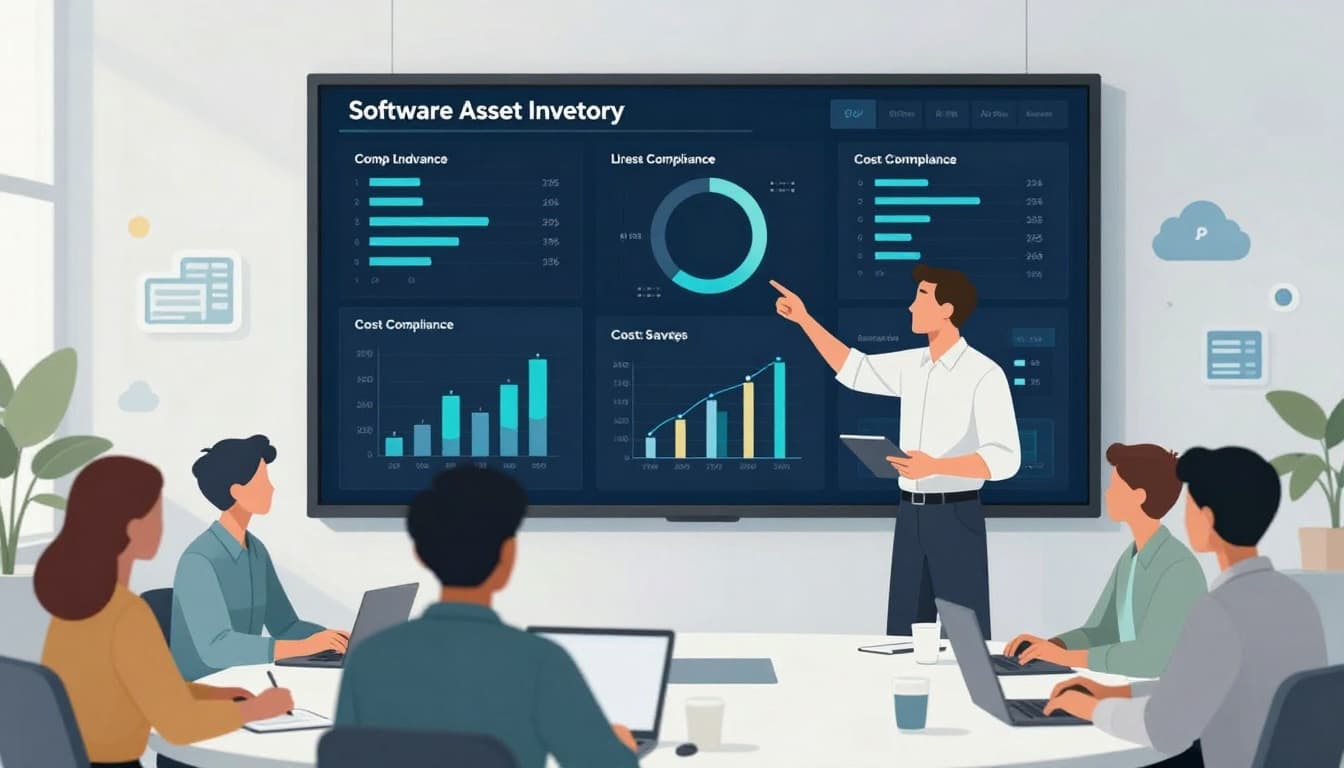
Software spend has a funny way of multiplying. One laptop becomes ten, then you add SaaS apps, cloud tools, and “just one more license” for a contractor. Before long, you’re paying for software you can’t name and can’t prove you’re using.
That’s why the software asset management lifecycle matters. It gives you a repeatable way to track what you own, who’s using it, whether you’re compliant, and where money is leaking.
If you run a startup or small business, think of SAM like keeping receipts for every subscription in your life, then actually reconciling them before the credit card bill hits.
What the Software Asset Management Lifecycle Really Covers
Software Asset Management (SAM) is the discipline of managing software from request to retirement. The “lifecycle” part is the key. It’s not a one-time inventory project, it’s an operating system for how software enters your company, lives inside it, and exits cleanly.
A strong lifecycle helps you:
- Control costs by cutting waste (unused seats, duplicate tools, overbought tiers).
- Stay compliant with license terms, including audit requests.
- Reduce risk tied to shadow IT, outdated apps, and weak access controls.
If you want a simple overview of typical phases, Anglepoint’s breakdown of the software asset lifecycle is a useful reference: https://www.anglepoint.com/blog/lightning-courses/6-phases-of-the-software-asset-lifecycle/
The 7 SAM Lifecycle Stages (A Practical View)
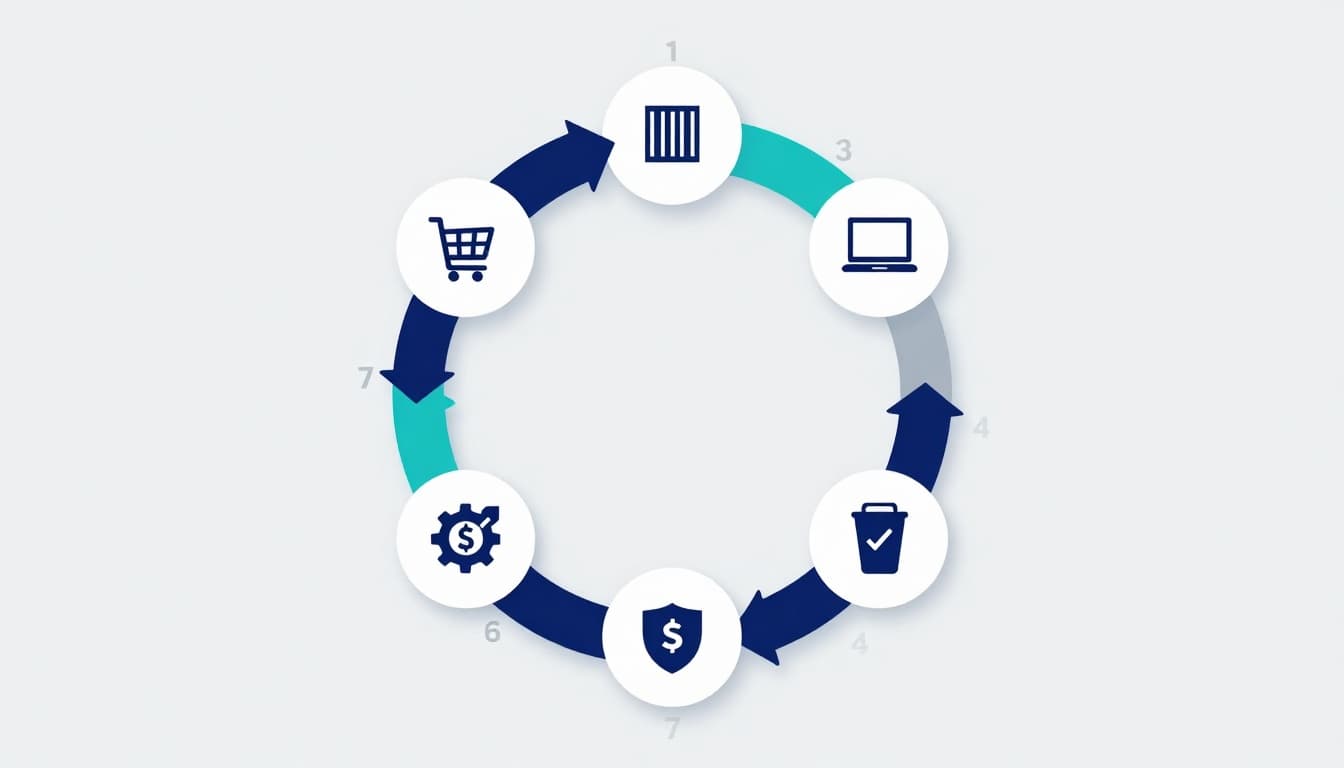
Most teams “do SAM” in fragments. They buy software in a hurry, deploy it, and only think about it again when renewal comes up. A lifecycle approach closes those gaps.
1) Request and procurement
This is where cost control begins, not at renewal.
Set a simple rule: every request must name the business need, the user count, and the owner. Tie purchases to an approved method (company card, procurement tool, or finance approval).
Business idea angle: Offer “subscription clean purchase setups” for SMBs, including intake forms, approval rules, and vendor comparison templates.
2) Receive and inventory
If you can’t see it, you can’t manage it.
Inventory should include:
- App name and vendor
- License model (per user, per device, usage-based)
- Owner (IT, marketing, finance)
- Renewal date and cost center
For lifecycle stage summaries and common pitfalls, this guide is a solid starting point: https://finquery.com/blog/software-asset-management/
3) Deploy and configure
Deployment is more than “install the app.”
Good practice includes:
- Standard config (security settings, SSO, MFA)
- Role-based access (least privilege)
- A defined “joiner” process for new staff
Example: A 15-person agency adds a new design tool. Without SSO, accounts get created with personal emails, then never removed. With SSO, offboarding becomes one switch.
4) Usage monitoring
This is where savings show up fast.
Track usage monthly or quarterly. Look for:
- Licenses assigned but not used
- Tools with overlapping purpose
- Premium tiers used by only a few people
Usage monitoring also creates a clean story for leadership: spend is tied to real adoption, not guesswork.
5) License compliance (audit readiness)
Compliance is boring until it’s expensive.
Audits can require proof of entitlement (what you bought) and proof of deployment (what’s installed or assigned). Keep both in one place and document exceptions like:
- Temporary contractors
- Test environments
- Secondary devices
If you want a stage-by-stage explanation written in plain language, this lifecycle overview is helpful: https://dev.to/emily_assetloom/software-asset-management-lifecycle-explained-58em
6) Cost control and rationalization
This stage is where SAM pays for itself.
Focus on three levers:
- Right-size: move users to cheaper plans if they don’t need advanced features.
- Reclaim: remove licenses from inactive users and reassign them.
- Consolidate: cut duplicate tools (two project managers, three chat tools).
A good cadence is a “renewal runway” meeting 90 days before renewal. That gives time to reduce seats before the invoice lands.
7) Renewal, retire, and disposal
This is the “clean exit” stage.
When you retire software, don’t just cancel the bill. Confirm:
- Data export and retention needs
- Offboarding users and API keys
- Removing integrations
- Ending auto-renew clauses on time
Business idea angle: A lightweight “SaaS offboarding and data handover” service is in demand, especially for teams that churn tools often.
Where Costs Usually Leak (and How the Lifecycle Stops It)
Most software waste isn’t dramatic. It’s quiet and constant, like a faucet that never fully turns off.
Common leaks:
- Auto-renewals with no owner
- Licenses kept “just in case”
- Premium plans bought for everyone
- Shadow IT tools expensed outside finance
The lifecycle fixes this by assigning ownership at purchase, measuring usage in the middle, and forcing decisions before renewal. Even small teams can adopt the habit with a shared inventory sheet and calendar reminders.
Compliance and Risk: The Part Nobody Wants to Own (So It Gets Missed)
SAM compliance isn’t just about avoiding vendor penalties. It also supports basic security hygiene.
When software ownership is unclear:
- Ex-employees keep access
- Admin rights get shared
- Old apps stop getting updates
- Data moves through unknown tools
A lifecycle approach reduces risk by making software “managed property,” not a collection of personal subscriptions. It also helps during due diligence if you’re raising funds or selling the business, because buyers want proof you’re not exposed.
Tools and Processes That Make SAM Manageable for SMBs
You don’t need an enterprise stack to start. What you need is consistency.
Here’s a quick comparison of common approaches:
| Approach | Best for | What it does well | Watch-outs |
|---|---|---|---|
| Spreadsheet plus calendar | Very small teams | Fast setup, clear ownership | Easy to forget updates |
| Password manager plus SSO | SMBs using cloud apps | Cleaner access control, faster offboarding | Doesn’t track spend alone |
| Dedicated SAM/ITAM tool | Growing teams | Inventory, usage, compliance workflows | Requires setup and upkeep |
| SaaS spend management tool | Finance-led teams | Renewal tracking, spend visibility | May miss device-based licenses |
A Simple 30-Day SAM Lifecycle Starter Plan
If you want traction without a long project, run this in four weeks:
Week 1: Create inventory (top 20 apps by spend), assign an owner to each.
Week 2: Add renewal dates, contract terms, and who has admin access.
Week 3: Pull basic usage reports for your highest-cost tools, reclaim unused seats.
Week 4: Set one rule for new purchases (request form plus approval), then schedule a monthly review.
That’s enough to stop the bleeding and build momentum.
Conclusion: Make the Lifecycle Your Default, Not a Fire Drill
Software sprawl doesn’t feel dangerous, until an audit email arrives or renewals hit the same month. A disciplined software asset management lifecycle turns software from a messy pile of subscriptions into a controlled system you can defend, measure, and improve.
Pick one place to track your inventory, assign owners, and review usage before renewals. Then keep going. If you want a deeper playbook like this each week, subscribe to your favorite business ops newsletter and make SAM a habit, not a panic button.

Adeyemi Adetilewa leads the editorial direction at IdeasPlusBusiness.com. He has driven over 10M+ content views through strategic content marketing, with work trusted and published by platforms including HackerNoon, HuffPost, Addicted2Success, and others.