
A DSAR can land in your inbox on a random Tuesday and suddenly your “small” SaaS feels very small. One message from an EU customer asking for their data, and you’re chasing logs, support tickets, exports, and half-remembered integrations.
That’s why DSAR readiness isn’t a legal checkbox, it’s an operating habit. If you sell to EU users (even as a US-based startup), you need a repeatable way to intake requests, confirm identity, find data fast, and respond on time.
This guide gives you a simple workflow, templates you can adapt, and a starter toolkit you can build in an afternoon.
What DSAR readiness really means for a small SaaS
A Data Subject Access Request (DSAR) is when an individual asks what personal data you have about them and wants a copy (and often related details). Under GDPR, controllers must respond without undue delay and generally within one month, with limited extensions in some cases.
For small SaaS vendors, DSAR readiness is less about writing a perfect policy and more about answering three practical questions:
Can you recognize a DSAR when it arrives? (It might come via support chat, not “privacy@”.)
Can you find the data across your stack? (App DB plus tools like analytics, support, CRM.)
Can you prove what you did and when? (Audit trail, decisions, redactions, and delivery proof.)
If you can do those three things reliably, you’re ahead of most early-stage teams.
The DSAR workflow (intake to closure) you can run every time

Think of DSAR handling like an airport security line. It’s not there to annoy people, it’s there to keep the process safe, consistent, and documented.
A practical DSAR workflow for a small SaaS:
- Intake: Capture the request in one place (ticketing system or a dedicated inbox).
- Triage: Identify request type (access, deletion, rectification, portability) and set due date.
- Identity verification: Apply a risk-based check, stronger when sensitive data is involved.
- Data discovery: Search across systems based on your data map (more on that next).
- Review and redaction: Remove third-party data and secrets (API keys, internal notes).
- Response delivery: Provide the data in a common format, plus required explanations.
- Log and learn: Record timings, blockers, and improvements for the next request.
Tip: Don’t treat “privacy” as a separate universe. Run DSARs like incident response, with owners, timestamps, and a closure note.
Map where EU personal data hides (before you need it)

Most DSAR delays come from one problem: “Wait, do we store that in Segment or in the app database?” If you’re unsure, you’ll burn days.
Build a lightweight systems and data map that answers:
- System: Where data lives (production DB, logs, support desk, email provider, CRM).
- Data types: What personal data appears there (email, IP, messages, usage events).
- Owner: Who can export it (engineering, support, marketing ops).
- Export method: UI export, API, SQL, vendor request.
- Retention: When it deletes naturally (helps with deletion requests).
Keep it brutally simple. A single spreadsheet is fine. What matters is that it’s accurate and used.
Starter toolkit: 10 DSAR templates small SaaS teams can copy today
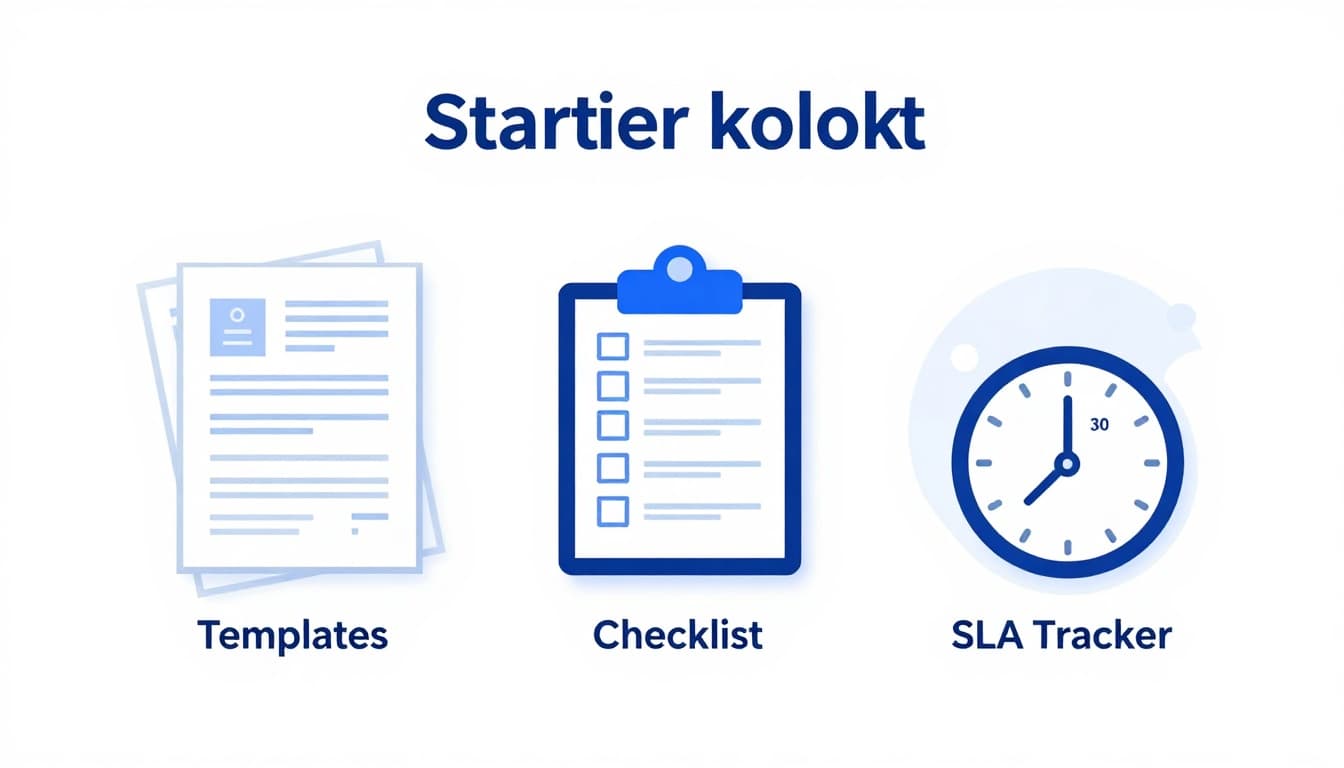
If you want DSAR readiness without a big compliance budget, templates are your best friend. You can borrow structure from respected sources like this sample data subject access rights request template and adapt it to your product and data flows.
Here’s a starter toolkit you can build in Google Docs (or Notion) and connect to your ticketing system:
- DSAR Intake Form: Short form to capture identity details, account email, request type, and preferred delivery method; valuable because it reduces back-and-forth; for support and privacy owners; start by turning common questions into required fields; tools: Google Forms, Zendesk form; example: “Please export everything linked to jane@company.com.”
- DSAR Acknowledgment Email: Confirms receipt, sets expectations, and asks for verification if needed; valuable because it stops anxious follow-ups; for support teams; start with a standard reply macro; tools: Helpdesk macros; example: “We received your request and will respond by (date).”
- Identity Verification Script: A risk-based checklist (low, medium, high); valuable because it avoids sending data to the wrong person; for support and security; start by defining when you’ll ask for extra proof; tools: internal SOP doc; example: account email plus recent invoice ID.
- Data Source Checklist (by system): A one-page “search here” list tied to your stack; valuable because it prevents missed systems; for engineering and ops; start by listing every tool that stores user identifiers; tools: spreadsheet; example: “Support desk contains attachments with user screenshots.”
- Engineering Export Request Template: A ticket format for data pulls (what identifiers, what time range, format); valuable because it cuts engineer time; for product and engineering; start by standardizing SQL/API export notes; tools: Jira, Linear; example: “Export all rows for user_id 18273.”
- Third-Party Processor Outreach Email: Message to vendors when data isn’t self-service; valuable because it sets clear deadlines; for vendor owners; start with your required fields and timeline; tools: shared inbox; example: analytics vendor event export request.
- Review and Redaction Checklist: Prompts reviewers to remove other users’ data, internal notes, and secrets; valuable because mistakes here are costly; for support lead and security; start with a “red flags” list; tools: PDF editor; example: remove internal tags from helpdesk threads.
- DSAR Response Pack Cover Letter: Explains what you did, data categories, sources, and limits; valuable because it builds trust; for privacy owner; start from a proven structure like this response to data subject access request template; tools: Google Docs; example: “We searched production database, support desk, and billing.”
- Extension Notice Template: When you need more time, this sets the reason and new deadline; valuable because it keeps you within process; for privacy owner; start with a polite, short notice; tools: email macro; example: complex multi-system request needs extra time.
- DSAR Register (Log) + Metrics Sheet: Tracks request date, requester, scope, systems searched, completion date, and outcome; valuable because it proves control; for ops and founders; start with columns you’ll actually fill; tools: Airtable, Sheets; example: “Completed in 12 days, no third-party exports required.”
If you need another reference point for response language, this GDPR response to DSAR template can help you see how others structure the final reply.
A 30-day DSAR readiness sprint for a tiny team
You don’t need a quarter-long project. A month is enough to get to “calm and competent.”
| Week | Focus | Outcome |
|---|---|---|
| Week 1 | Pick an owner, define intake, create a DSAR log | Requests stop getting lost |
| Week 2 | Build your systems and data map | You know where to search |
| Week 3 | Create templates, macros, and export steps | Fewer surprises, faster exports |
| Week 4 | Run a tabletop test with a fake DSAR | You find gaps before a real request |
Keep the test realistic. Use a real customer journey: signup, billing email, support ticket, product events. Time the exports. Note what breaks.
What “good evidence” looks like when customers or auditors ask
When someone challenges your process, confidence comes from records, not promises. Keep:
- Timestamped ticket trail (intake, verification, exports, approvals, closure).
- What systems were searched and who did it.
- What was excluded and why (third-party data, trade secrets, security concerns).
- Proof of delivery (secure link sent, password shared separately if used).
This is also useful sales support. Enterprise buyers often ask how you handle data rights, even before legal gets involved.
Conclusion: make DSAR readiness part of how you run the product
DSARs aren’t rare anymore, they’re a normal cost of serving EU customers. The good news is that DSAR readiness is very achievable for small SaaS teams when you treat it like an operations playbook: one workflow, one data map, and a set of templates you actually use.
Start with the toolkit above, run one tabletop test, then tighten the weak spots you find. When the real request arrives, you won’t scramble, you’ll execute.

Adeyemi Adetilewa leads the editorial direction at IdeasPlusBusiness.com. He has driven over 10M+ content views through strategic content marketing, with work trusted and published by platforms including HackerNoon, HuffPost, Addicted2Success, and others.